Raylib plugin
raylib is a simple and easy-to-use library to enjoy videogames programming. You can find more information about raylib at the raylib website
How to learn coding with raylib
“raylib does not provide the typical API documentation or a big set of tutorials. The library is designed to be minimalistic and be learned just from a cheatsheet with all required functionality and a big collection of examples to see how to use that functionality. Best way to learn to code is reading code.” [raylib website, Aug. 2022]
Many of the original raylib examples, which are written in C, were converted to SmallBASIC and are available on Github. To make it easier for you, you will find all the converted examples in the list below. If you are new to raylib it is best to start with the first example.
The original cheatsheet for C can be found here. A simple SmallBASIC version is available at Github.
How to setup SmallBASIC to use the raylib plugin
The raylib plugin is included in the release version of SmallBASIC. SmallBASIC should find the plugin automatically. If you have problems loading the plugin, you can copy the library (libraylib.dll or libraylib.so) to the folder of your BASIC file. Additionally you need the file raylibc.bas. If it is not found automatically, please copy it to the folder of your BASIC file, too.
Since raylib uses its own window management, you cannot use it together with the SDL or FLTK version of SmallBASIC (sbasicg.exe or sbasicg). Please use instead the console version (sbasic.exe or sbasic):
- Linux:
sbasic MyRaylibProgram.bas. - AppImage:
SmallBASIC-Console_12.24-x86_64.AppImage MyRaylibProgram.bas - Windows 11:
sbasic.exe MyRaylibProgram.bas
If you are using the Linux Flatpak installation, you can start Raylib programs from the GUI (sbasicg).
You can specify the module directory:
- Linux:
sbasic -m PATH_TO_DLL myprogram.bas - Windows 11:
sbasic.exe -m PATH_TO_DLL myprogram.bas
PATH_TO_DLL can be an absolute path like
C:\myfolder or a relative path like ./mydlls.
The relative path is relative to the location of you program.
Examples
Core examples
Basic Window: Source code
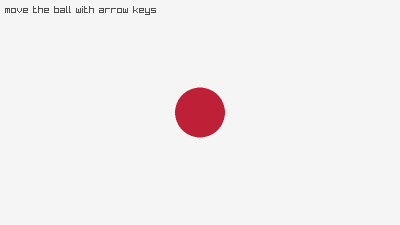
Input Keys: Source code
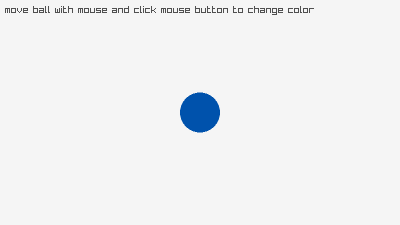
Input Mouse: Source code
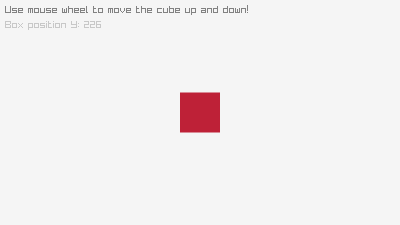
Input Mouse Wheel: Source code
Input Gamepad: Source code
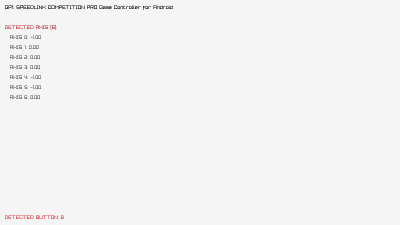
Input Multitouch: Source code
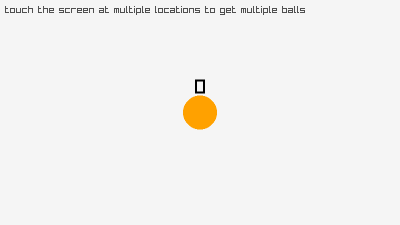
Input Gestures: Source code
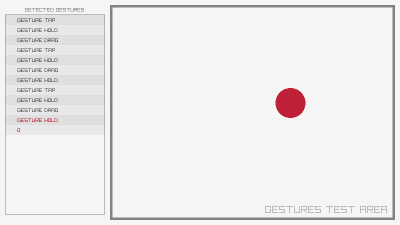
2D Camera: Source code
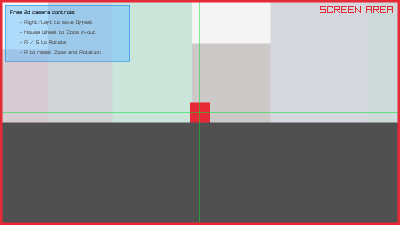
2D Camera Mouse Zoom: Source code
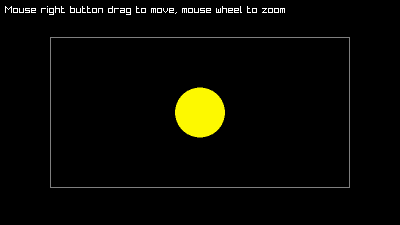
2D Camera Platformer: Source code
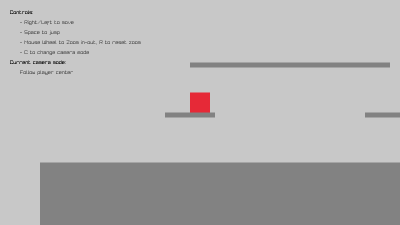
3D Camera Mode: Source code
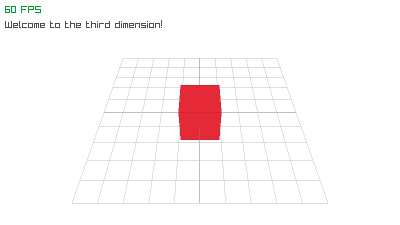
3D Camera Free: Source code
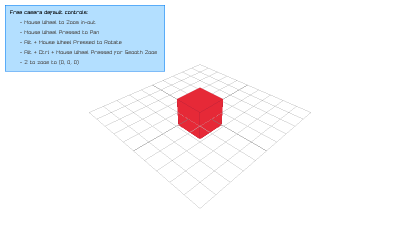
3D Camera First Person: Source code
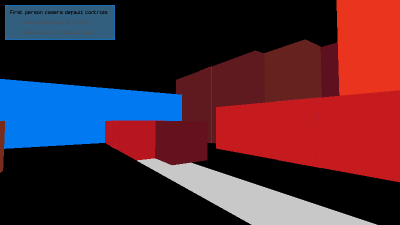
3D Picking: Source code
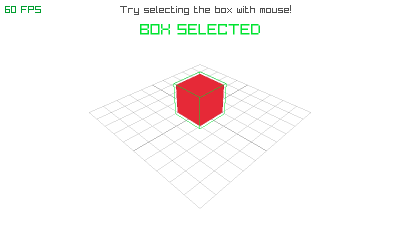
World Screen: Source code
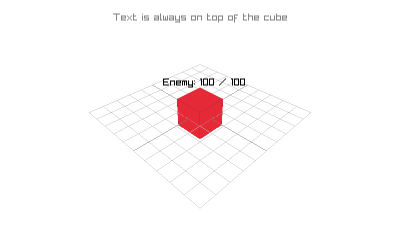
Window Flags: Source code
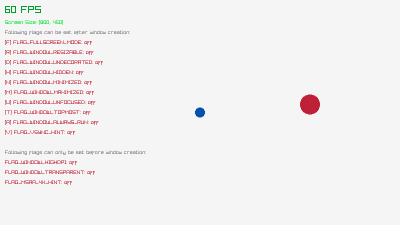
Window Letterbox: Source code
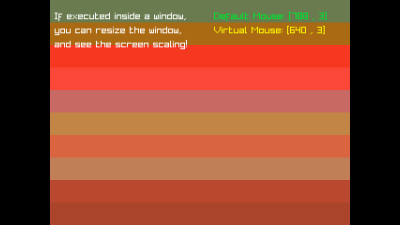
Window Should Close: Source code
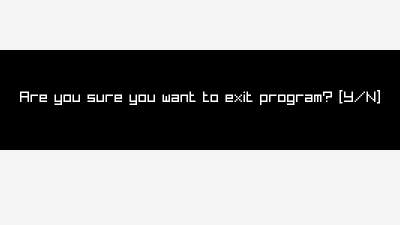
Random Values: Source code
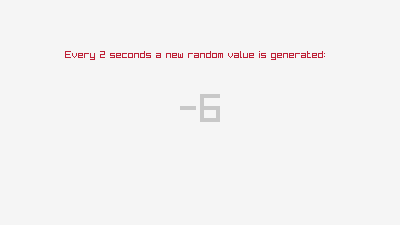
Scissor Test: Source code
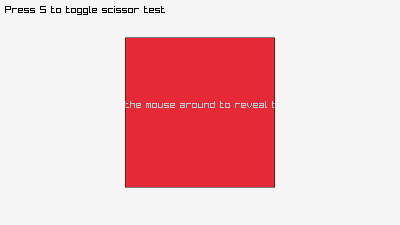
Basic Screen Manager: Source code
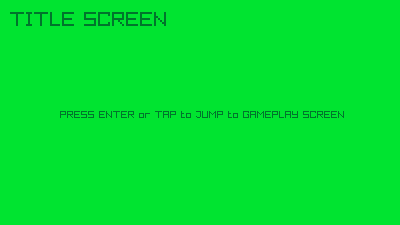
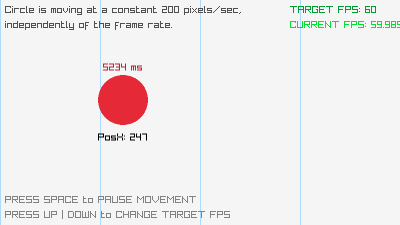
Custom Frame Control: Source code
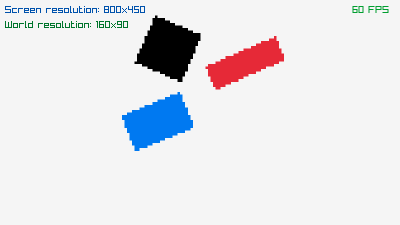
Smooth Pixelperfect: Source code
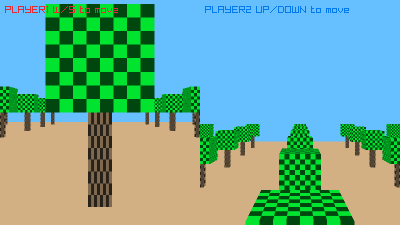
Split Screen: Source code
Shapes
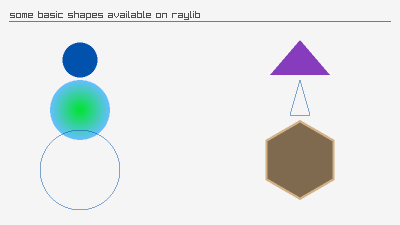
Basic Shapes: Source code
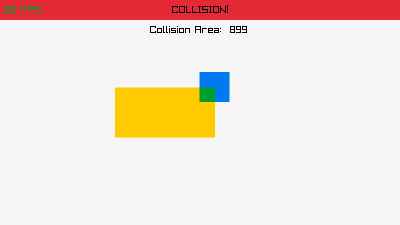
Collision Area: Source code
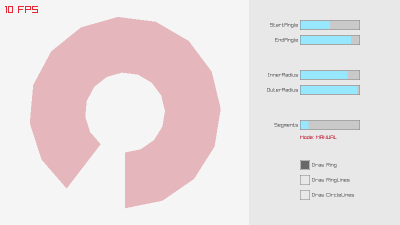
Draw Ring: Source code
Textures
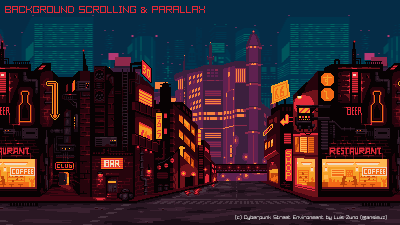
Background Scrolling: Source code
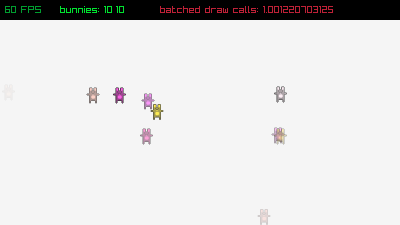
Bunnymark: Source code
Draw Tiled: Source code
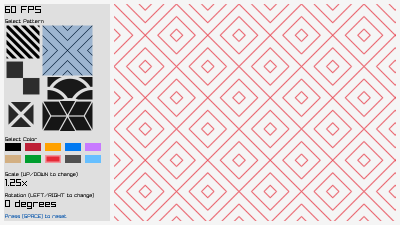
Image Generation: Source code
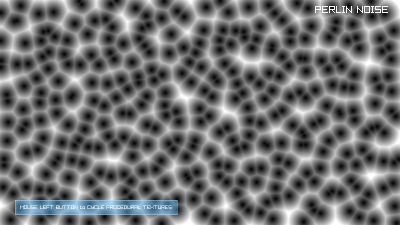
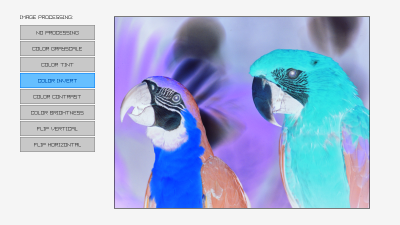
Image Processing: Source code
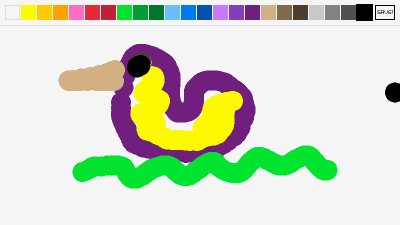
Mouse Painting: Source code
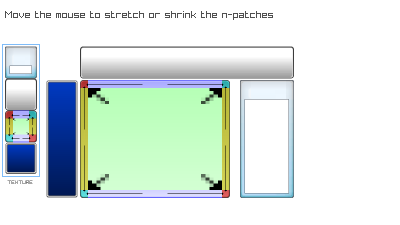
N-Patch Drawing: Source code
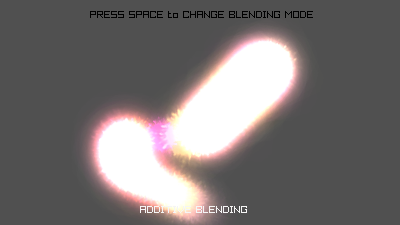
Particles Blending: Source code
Rectangles: Source code
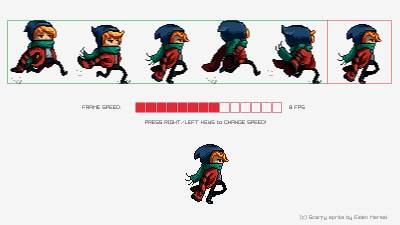
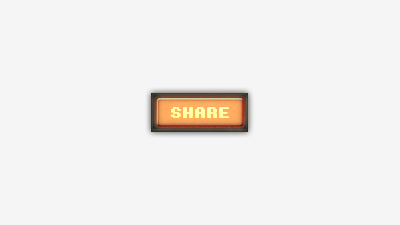
Sprite Button: Source code
Text
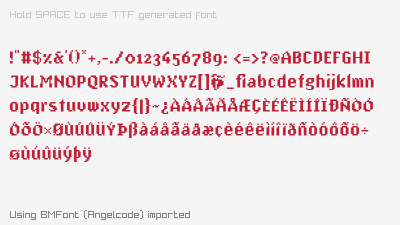
Font Loading: Source code
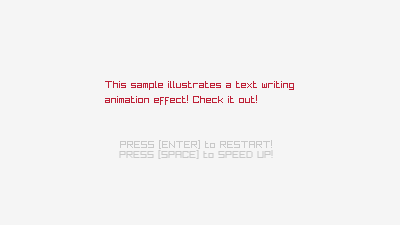
Writing Animation: Source code
Audio
Module Playing: Source code
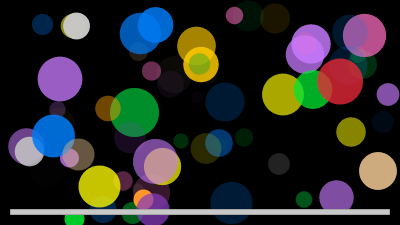
Music Stream: Source code
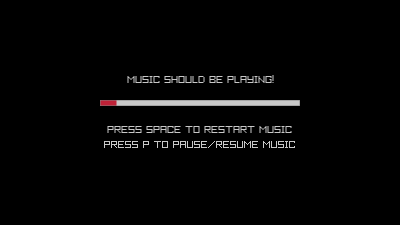
Models
Animation: Source code
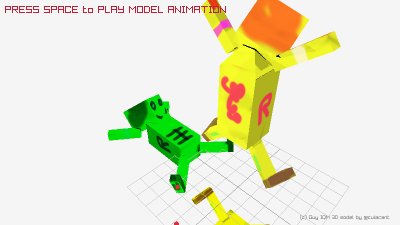
Shaders
Postprocessing: Source code
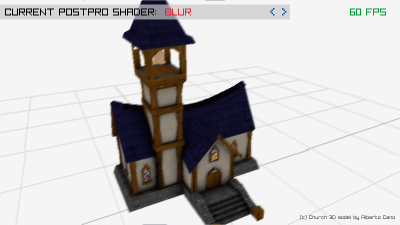
Raymarching: Source code
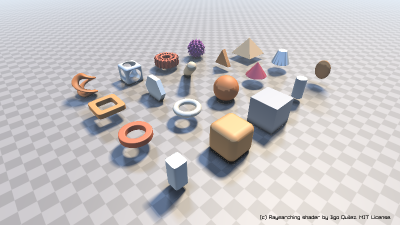
Physics
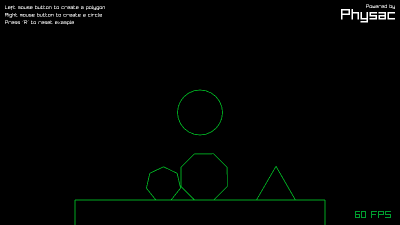
Demo: Source code
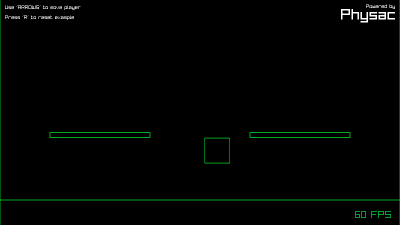
Movement: Source code
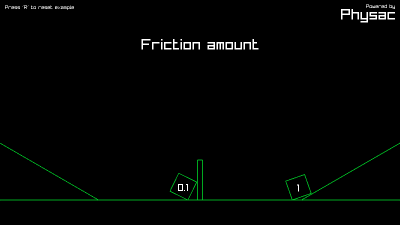
Friction: Source code
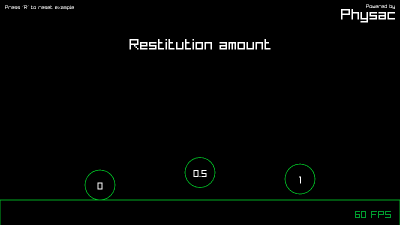
Restitution: Source code
Miscellaneous
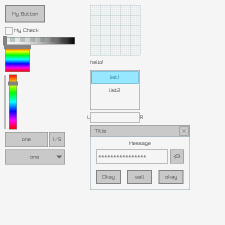
SmallBASIC raylib GUI: Source code
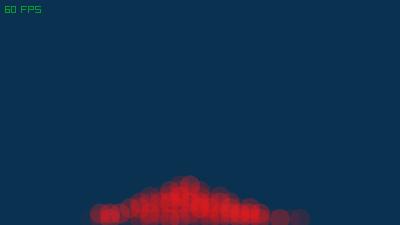
Sand: Source code
Structures and Variables
Camera2D
camera2D.target.x = 0
camera2D.target.y = 0
camera2D.offset.x = 0
camera2D.offset.y = 0
camera2D.rotation = 0
camera2D.zoom = 1
Camera3D
camera.position = [4, 2, 4]
camera.target = [0, 0, 0]
camera.up = [0, 1, 0]
camera.fovy = 60
camera.projection = c.CAMERA_PERSPECTIVE
Position
position = [0, 0, 0]Rectangle
rectangle.x = 0
rectangle.y = 0
rectangle.width = 100
rectangle.height = 100
rectangle = {x: 0, y: 0, width: 100, height: 100}rectangle = [x, y, width, height]
rectangle = [0, 0, 100, 100]Vector2
vector2.x = 0
vector2.y = 0
vector2 = {x: 0, y: 0}vector2 = [x, y]
vector2 = [0, 0]Vector3
vector3.x = 0
vector3.y = 0
vector3.z = 0
vector3 = {x: 0, y: 0, z: 0}vector3 = [x, y, z]
vector3 = [0, 0, 0]